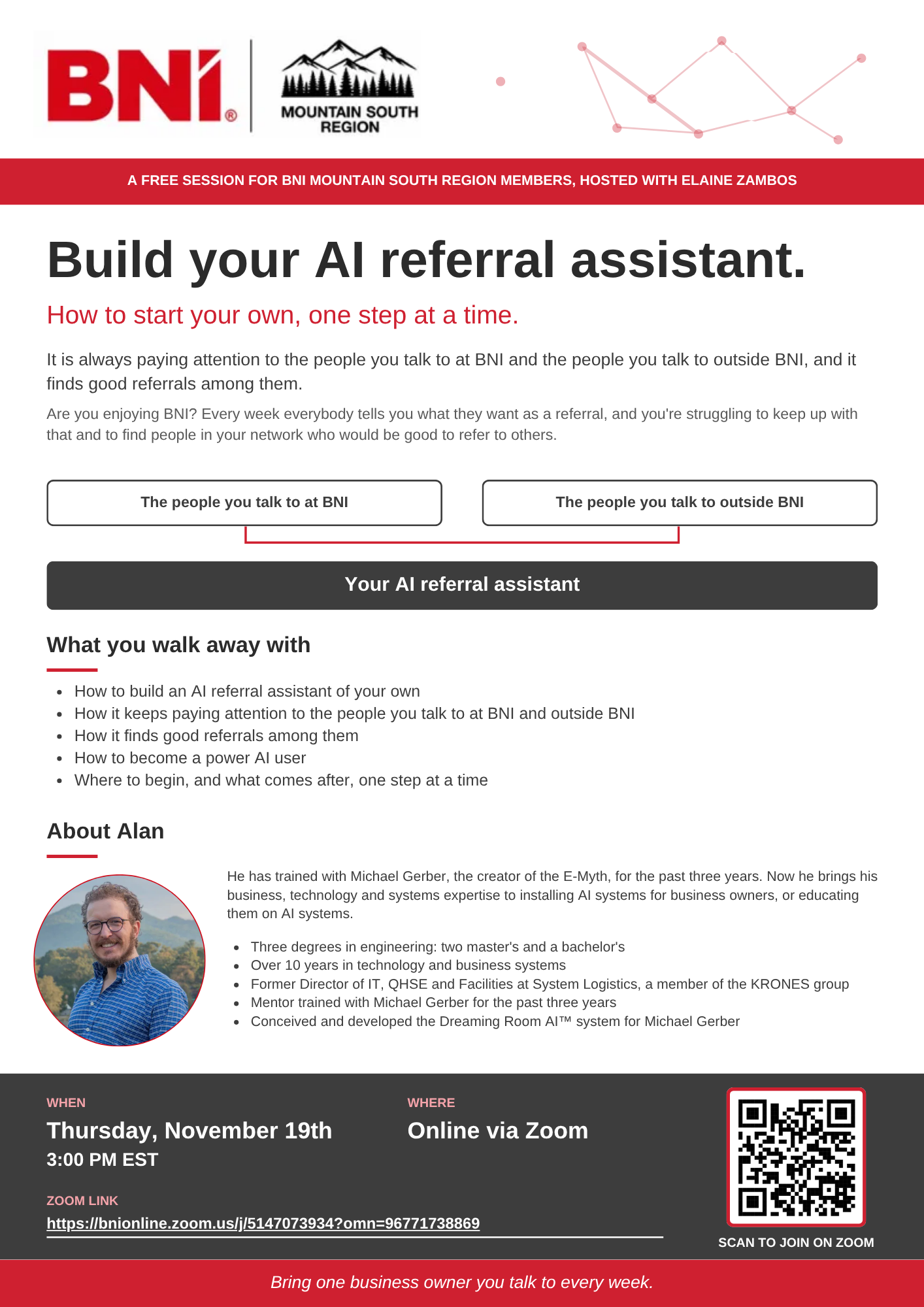
Flyer for the BNI Connect email
Click
Copy email content
.
In the BNI Connect email editor, click in the body and paste (Cmd+V on Mac, Ctrl+V on Windows).
Attach the PDF from
Download PDF
. The Zoom link and the QR code are clickable in it.
Copy email content
Download PDF
Copied. Now paste it into the body of the email.
What gets pasted into the email
Join on Zoom:
https://bnionline.zoom.us/j/5147073934?omn=96771738869